
REORDERING CAMPAIGN MATERIALS
Reorder in minutes. Your artwork is already on file.
Every order you’ve placed stays in your account. Reordering yard signs, palm cards, or any campaign product is three clicks — no re-uploading files, no starting over.
Already have an account? Log in, go to My Account → Orders, and click Reorder Design on any past order. That’s it.
STEP BY STEP
How reordering works
Three steps from login to checkout. Your previous order specs — size, material, union bug option, printed sides — carry over automatically.
1
STEP ONE
Login and open your Orders
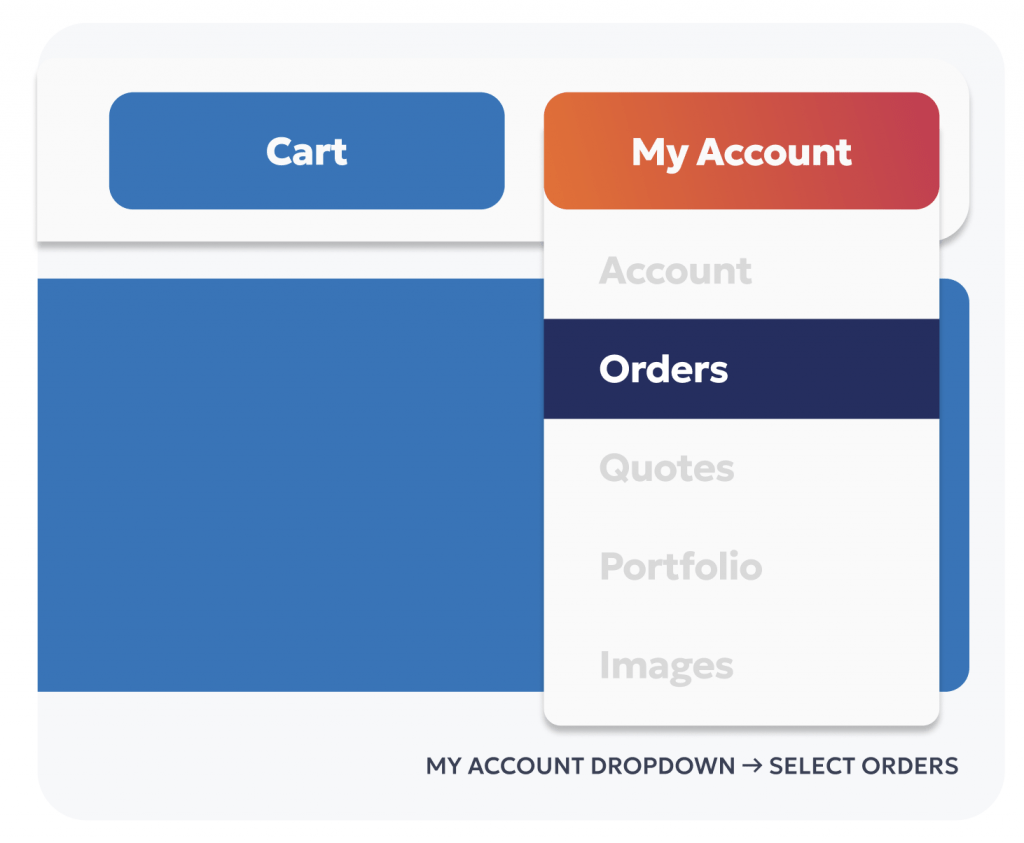
After logging in, click the My Account dropdown in the top right corner of any page in the store. From the dropdown menu, select Orders.

Don’t have an account yet? Your campaign specialist will set one up for you with your pricing already applied — or register directly on shop.myunionprinter.com.
2
STEP TWO
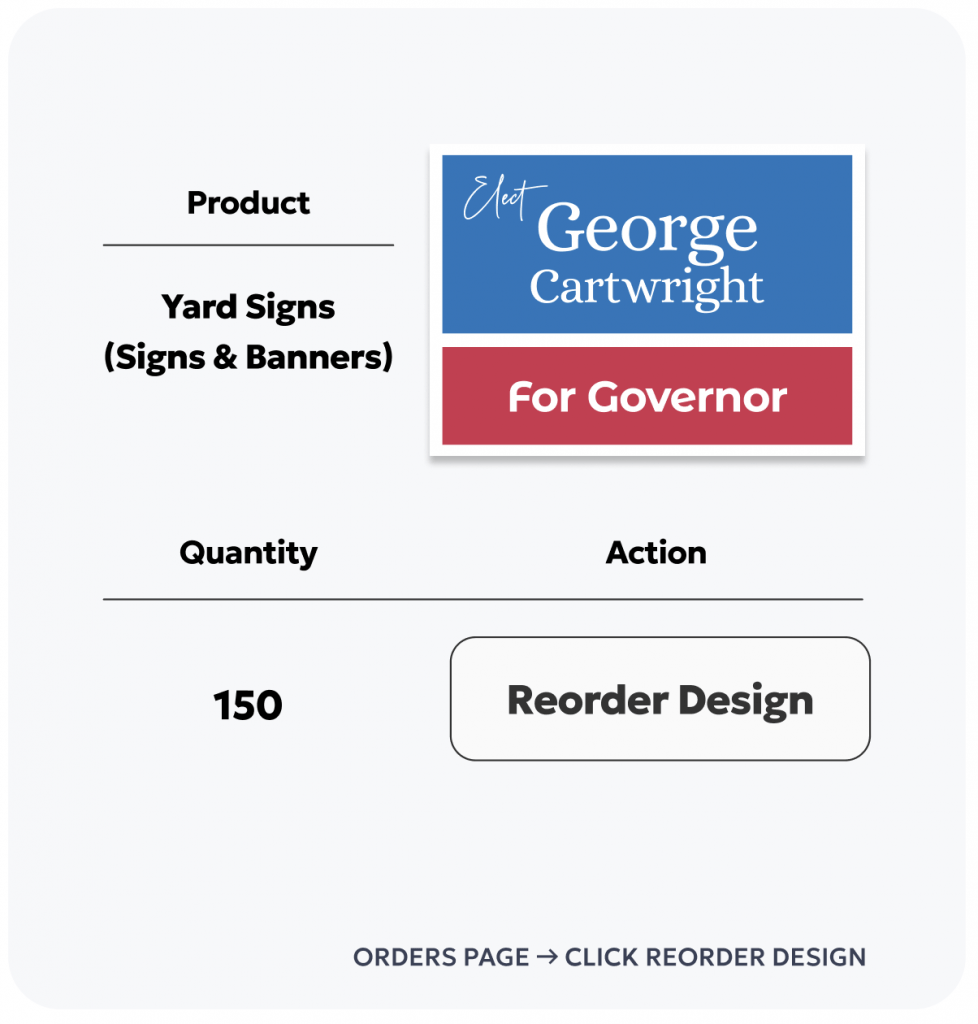
Find your product and click Reorder Design
Your Orders page shows every order you’ve placed — with the order number, date, and current status. Search or scroll to find the product you want to reorder, then click Reorder Design.

You can search by product name, date, or order number using the search bar at the top of your Orders page.
3
STEP THREE
Review your cart, edit if needed, and check out
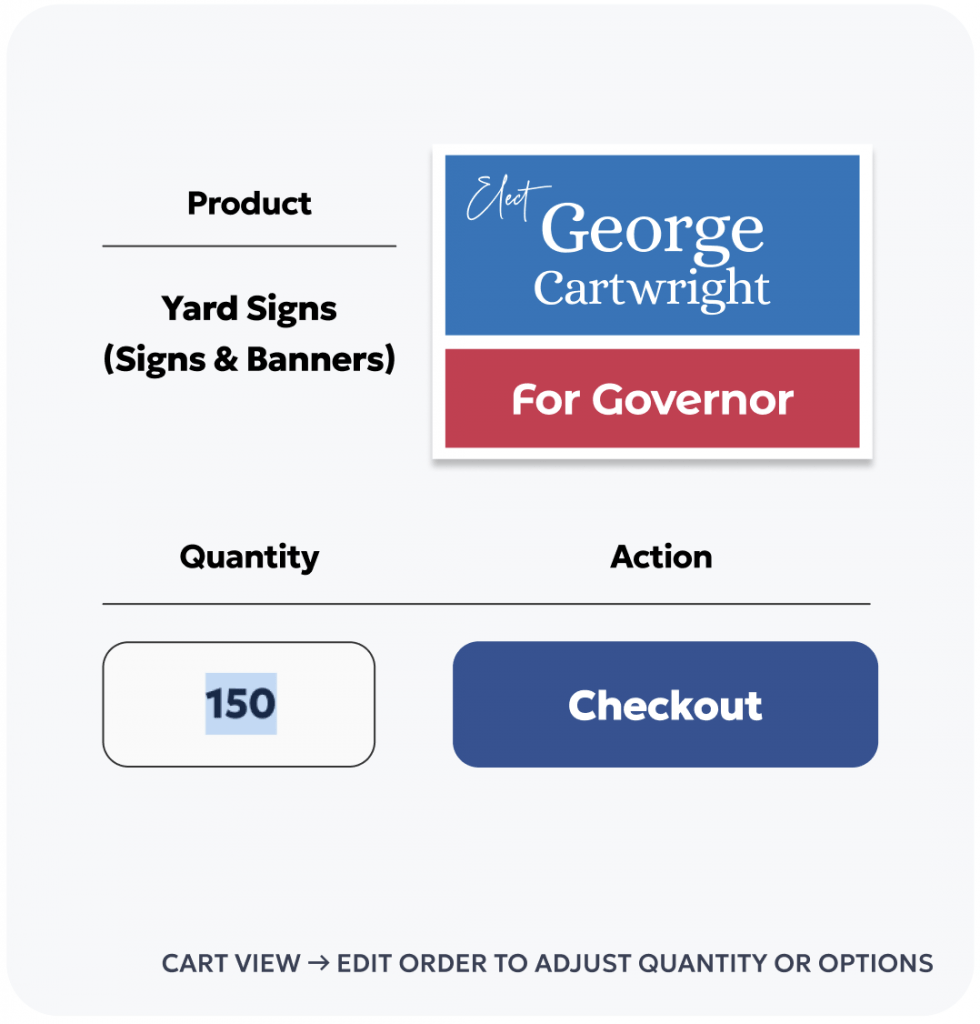
Your product is added to your cart with the same specifications as your original order — size, material, union bug option, H-stakes, and printed sides all carried over. If you need to change the quantity or any options, click Edit Order before checking out.

Your original artwork file is already attached — no re-uploading needed. Only change what needs to change.
THE FULL REORDER FLOW
Log in → Orders → Reorder Design → Edit if needed → Checkout
Step 2
My Account → Orders
dropdown, top right
Step 3
Click Reorder Design
on any past order
Step 4
Edit Order
if quantity or options changed
Step 5
Checkout
ships in 5 business days
GOOD TO KNOW
Tips for reordering

Your artwork stays on file
The file from your original order is attached automatically. No re-uploading required — ever.

Ships in 5 business days
Reorders follow the same production timeline as new orders — 5 business days from checkout. Order early in the week for fastest delivery.

Change quantity or options
Use Edit Order in the cart to update your quantity, union bug option, H-stakes, or any other specs before checking out.

Each campaign has
its own account
If you manage multiple campaigns, each has its own login and order history. Log into the right account before reordering.
20+ Years
In Campaign Printing
5 Days
Standard Shipping Time
USA Made
Guarantee on all Products
MORE CAMPAIGN PRINT RESOURCES
Who choose us?
QUICK LINKS — MY UNION CAMPAIGN PLAYBOOK